
How to Write Product Descriptions That Actually Convert
Great product photos grab attention — but it’s your product descriptions that convince shoppers to buy. A clear, well-written description can make the difference between a quick scroll and a completed checkout.
Great product photos grab attention — but it’s your product descriptions that convince shoppers to buy. A clear, well-written description can make the difference between a quick scroll and a completed checkout.
In this guide, we’ll walk through what makes a product description effective, how to review AI-assisted copy, and where a photo-first workflow fits into Shopify product publishing.
If you sell on Shopify, this is the exact framework to write product descriptions that rank, convert, and stay consistent across your catalog.
Quick Answer
A product description that converts usually does four things well: names the product clearly, leads with the buyer benefit, adds decision-making details, and uses natural search language without sounding robotic. For Shopify stores, the best descriptions also reduce buyer uncertainty before checkout.
The goal is not longer copy. It is clearer copy that helps the shopper decide faster and gives the merchant a reliable review pattern before publishing.
If your product photos are ready but the listing copy is not, use Synctually to create a reviewable Shopify listing before publishing.
| Description element | What it should do | Example |
|---|---|---|
| Product identity | Say what the item is in plain language. | Handmade speckled ceramic mug |
| Buyer benefit | Explain why someone would want it. | Comfortable daily mug for coffee or tea |
| Decision details | Answer practical questions before purchase. | 12 oz, stoneware, food-safe glaze |
| Search language | Use terms buyers naturally search for. | ceramic mug, handmade mug, blue glaze |
1. Start With What the Customer Cares About
Don’t just describe the product — describe what it does for your customer. Instead of saying “Gold-plated bracelet with a lobster clasp,” say: “A gold-plated bracelet that adds a subtle shine to everyday outfits — easy to wear and built to last.”
Focus on benefits first, then sprinkle in the features.
2. Keep It Short — But Not Generic
Shoppers skim. Aim for one or two sentences that feel personal and informative. Avoid filler words like “amazing” or “premium.” Instead, use sensory or emotional words that match your brand tone — “soft,” “handcrafted,” “bold,” “playful,” “refined.”
3. Match Your Brand Voice
Consistency builds trust. If your store’s tone is friendly and conversational, keep your descriptions the same way. If it’s elegant or minimalist, go for concise phrasing and clean language.
4. Add Helpful Details — Without Overwhelming
Include what buyers need to know before they add to cart:
- Material and care (e.g., “100% cotton, machine-washable”)
- Size or fit details
- Color or pattern variations
- Any unique craftsmanship or story
These details reassure customers and reduce returns.
5. Use SEO Naturally
Think about what your customer might type into Google or Shopify search — and weave that language in naturally. For example, “gold minimalist bracelet” or “handmade linen tote.” Avoid keyword stuffing; clear, authentic writing always wins.
A simple rule works well here: include the product type, one high-intent modifier, and one real buying detail. That usually gives you enough SEO coverage without making the description sound forced.
6. Use a Simple Product Description Template
For faster writing, use this structure for every product:
- Line 1: what it is + who it is for
- Line 2: key benefit or use case
- Line 3: material, fit, size, or care details
- Line 4: confidence closer (giftable, durable, limited, handmade, etc.)
Example: "A handmade ceramic mug for slow morning coffee rituals. Lightweight but sturdy for daily use. Stoneware with a food-safe glaze, holds 12 oz. Each piece is unique and crafted in small batches."
Before And After Example
| Weak version | Stronger Shopify description | Why it works better |
|---|---|---|
| Beautiful blue mug. Great for coffee. | A handmade speckled ceramic mug with a soft blue glaze, made for everyday coffee or tea. The sturdy stoneware shape feels comfortable in hand, and each small-batch piece has slight glaze variation. | It names the product, adds use case, gives material context, and sets expectations about handmade variation. |
Shopify Product Description Formula
- Sentence 1: what the product is and who it is for.
- Sentence 2: why it is useful, attractive, or different.
- Sentence 3: material, fit, dimensions, or care details.
- Sentence 4: a confidence builder such as craftsmanship, gifting value, or durability.
This format works especially well when you need to write many Shopify product descriptions quickly without losing consistency.
7. Let AI Do the Repetitive Work
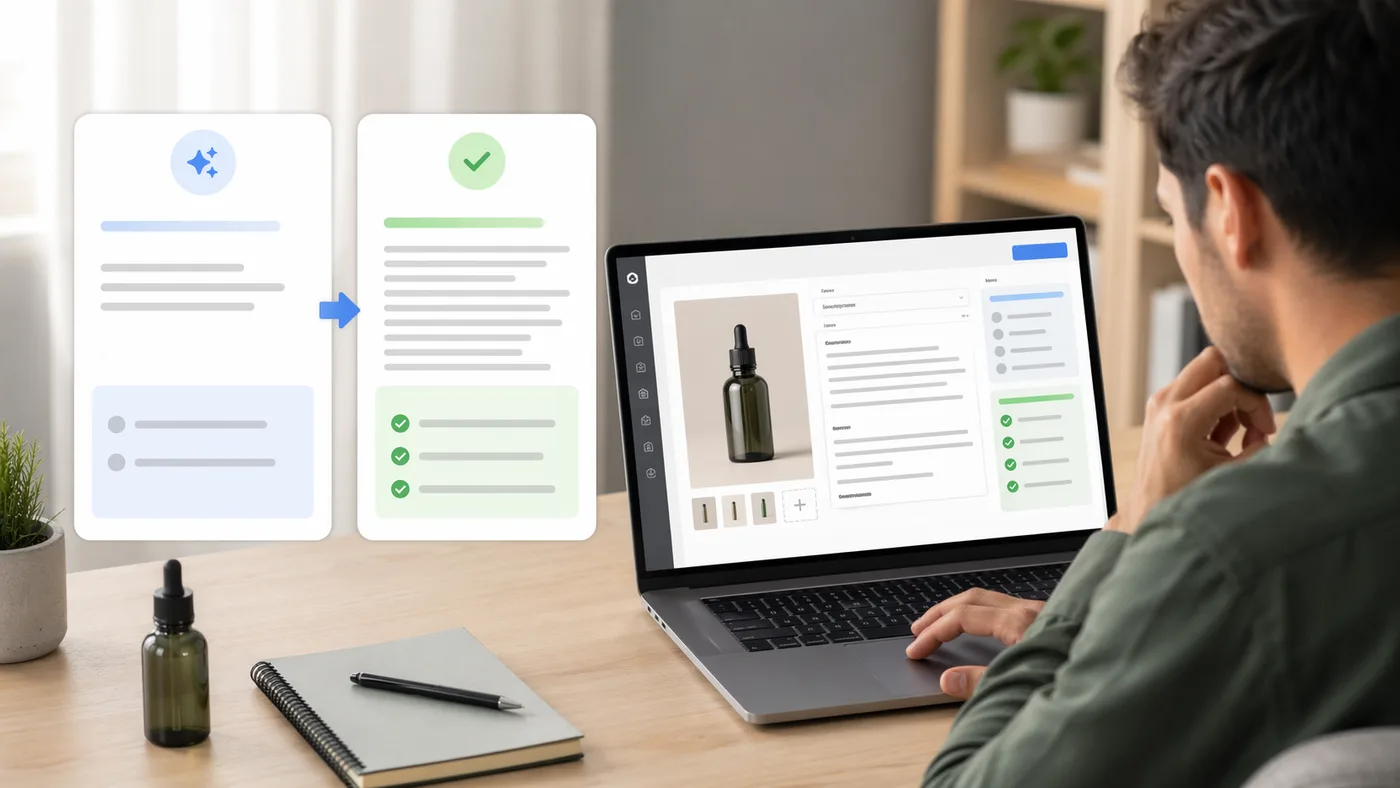
Writing dozens of descriptions manually is exhausting. With Synctually, you can upload product photos and create editable title and description suggestions, then review the wording before the listing is published.
That keeps the work focused on review: accuracy, tone, product details, and whether the description fits the rest of your catalog.
How To Review An AI-Generated Product Description
AI-generated copy should be treated as a starting point, not a final listing. Shopify's own guidance for automatically generated product descriptions also tells merchants to review generated text for accuracy before publishing.
| Review question | What to check |
|---|---|
| Is every factual claim true? | Material, size, care, fit, origin, and compatibility. |
| Does it match the photo? | Color, visible details, style, and product type. |
| Does it match your brand? | Tone, vocabulary, punctuation, and level of detail. |
| Does it help search naturally? | Product type plus one or two real buying modifiers. |
If your team already starts with photos instead of spreadsheets, pair this with how to create Shopify listings from product images so the description workflow fits the rest of your publishing process.
8. Quick Checklist Before You Publish
- Does the first sentence explain the product clearly?
- Did you lead with benefits before features?
- Did you include 1-2 natural search terms?
- Does the tone match your brand voice?
- Would this description help reduce customer questions?
Common Product Description Mistakes
- Starting too vague: shoppers should know what the product is in the first line.
- Overusing adjectives: “beautiful” and “premium” do not replace useful detail.
- Forgetting buying details: material, size, fit, and care often matter more than clever wording.
- Writing the same copy for every item: even templated descriptions need specific details to rank and convert.
Quick FAQ
How long should a Shopify product description be?
Long enough to help the shopper decide. For most products, that means a short, skimmable block plus a few key details.
Should product descriptions be optimized for SEO?
Yes, but naturally. Use real product language and intent-driven phrasing instead of stuffing repeated keywords.
Can AI write product descriptions that still convert?
Yes, if you review the generated copy for accuracy, tone, and specificity before publishing.
Sources And Related Shopify Docs
Ready to Save Hours on Product Listings?
If your team already has product photos and wants a faster route to reviewable Shopify listings, Synctually is built for that workflow.
Published: February 2026